
Pro-Stitcher Designer Educational Video Library
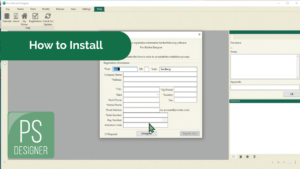
Installation (with Internet)
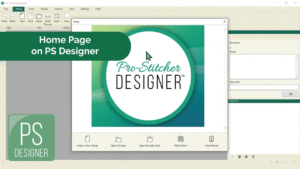
Home Page Features
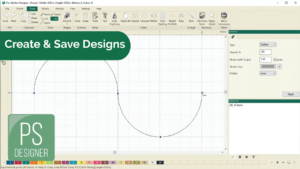
Create and Save a Design
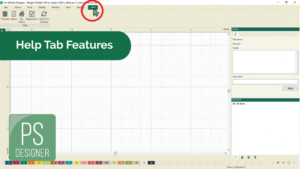
Help Tab Features
User Interface Features
View Tab Overview
Sidebar Features
Setting Up General Options
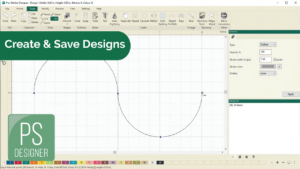
Create a Design with Artwork Tools
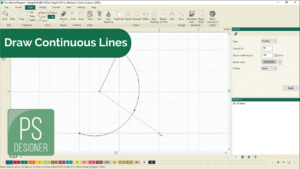
Draw a Continuous Line Design
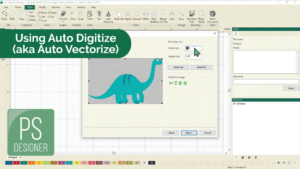
Using the Auto Digitizing Feature
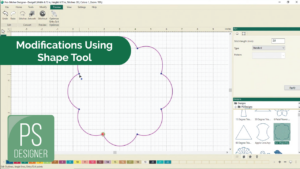
Modify a Design Using the Shape Tool
Open from a USB
Create A Stencil
Install on Tablet + Demo Mode
Using the Echo Quilting Feature
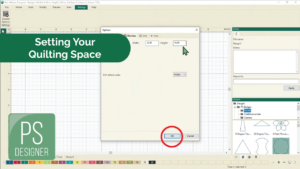
Setting Up Your Quilting Space

Save an Area from a Design
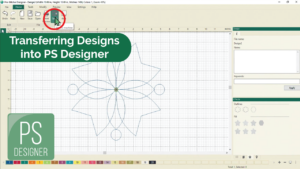
Transferring a Quilt Design
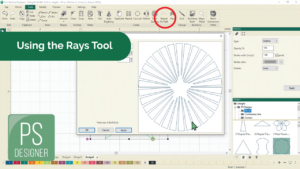
Create Designs Using the Rays Tool
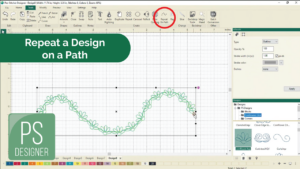
Repeat a Design on a Path
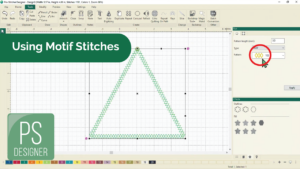
Motif Stitches Feature
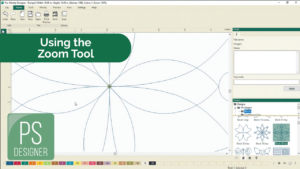
Using the Zoom Tool
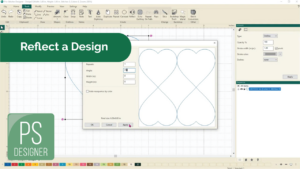
Reflect Designs
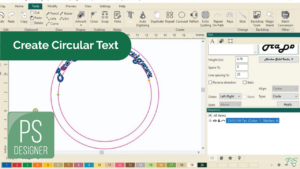
Circular Text
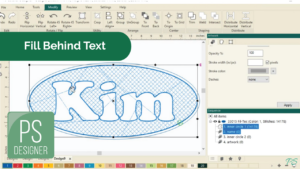
Fill Behind Text
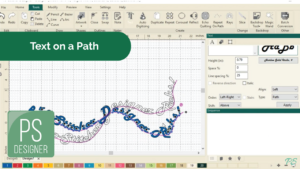
Text on a Path
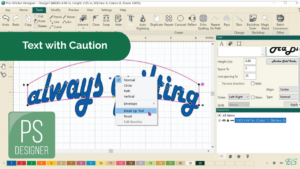
Text with Caution
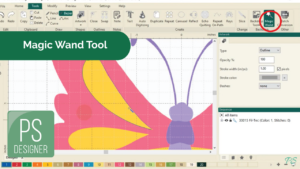
Magic Wand Tool
Weld Text
Move Start/End Points
Navigator Tool
Unregister with Internet
Connect Tool
Anchor Point Types
Backdrop Tool
Align Tool – For Editing Designs
Add/Delete An Anchor Point
Trim, Weld, and Intersect
Downloadable Pro-Stitcher Tutorials
- Pro-Stitcher Designer registration (online)
- Pro-Stitcher Designer Registration (offline)
- Home Page Features
- Create and Save a Design with Draw Tools
- Help Tab Features
- User Interface Features
- View Tab Overview
- Sidebar Features
- Setting Up General Options
- Create a Design with Artwork Tools
- Draw a Continuous Line Design
- Using the Auto Digitizing Feature
- Magic Wand Tool
- Weld Text
- Add/Delete An Anchor Point
- Trim, Weld, and Intersect
- Navigator Tool
- Unregister with Internet
- Align Tool
- Modify a Design Using the Shape Tool
- Open a design from a USB
- Create a Stencil with PS Designer
- Install onto a tablet + Demo Mode
- Create a Quilt Design with the Echo Quilting Feature
- Setting Up Your Quilting Space in Pro-Stitcher Designer
- Save an Area from a Design with Pro-Stitcher Designer
- Transferring a Quilt Design
- Create Designs Using the Rays Tool in Pro-Stitcher Designer
- Repeat a Design on a Path in Pro-Stitcher Designer
- How to use Motif Stitches Feature on a Quilting Design
- Using the Zoom Tool
- Circular Text
- Fill Behind Text
- Text on a Path
- Text with Caution
- Connect Tool
- Anchor Point Types
- Backdrop Tool