On this page, you’ll find a list of helpful Pro-Stitcher tutorials. Before digging in, be sure to scroll down to the bottom of this page, to see all of the resources!
Set Up Frame Space
What is Pro-Stitcher Connect?
Free
Get to know Pro-Stitcher
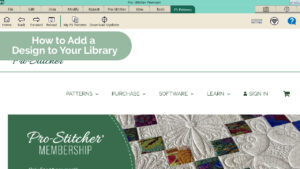
How to add a design from Pro-Stitcher Patterns to your design library on your tablet
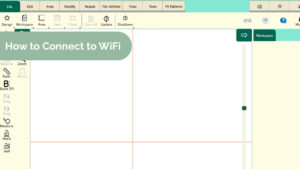
How to connect your Pro-Stitcher tablet to Wifi
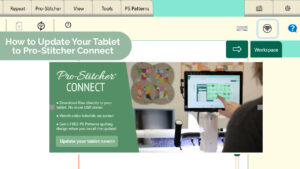
How to update your tablet to PS Connect
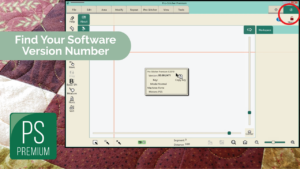
Finding Your ProStitcher Version Number
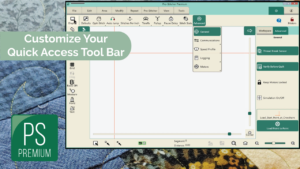
Customizing the Quick Access Toolbar
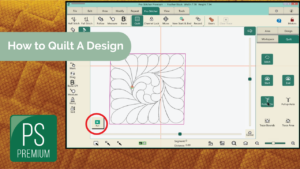
How to Quilt a Design
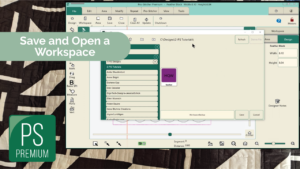
How to Save and Open a Workspace
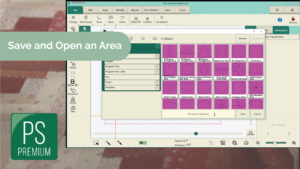
How to Save and Open an Area
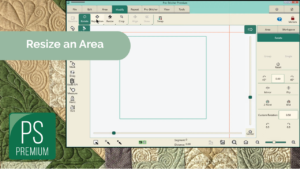
How to Resize an Area
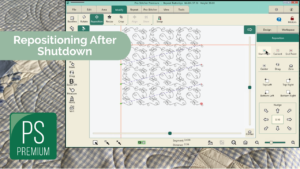
Repositioning Design after Shutdown
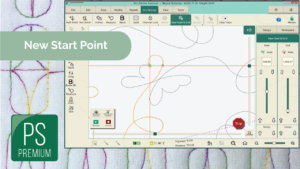
New Start Point (Threadbreak Recovery)
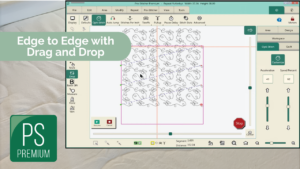
Edge to Edge With Drag and Drop
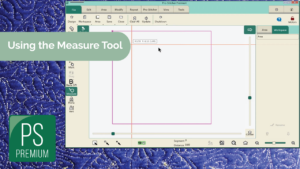
How to Use the Measure Tool
New Start & End Features
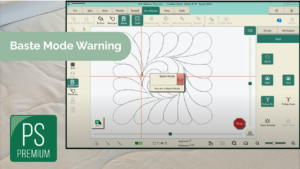
Baste Mode Warning
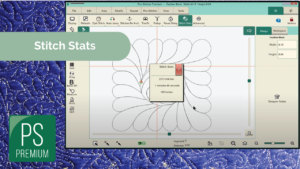
Stitch Stats
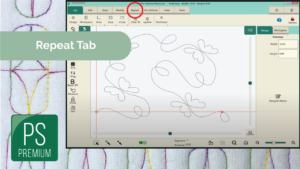
Repeat Tab Overview
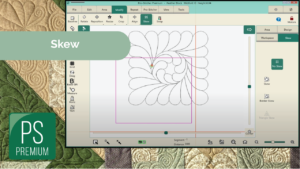
Skew: Skew, Border Skew & Triangle Skew
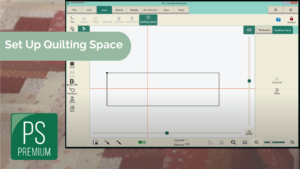
Snap to Grid & Quilting Space
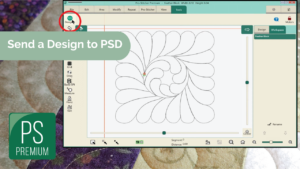
Send a Design to Pro-Stitcher Designer
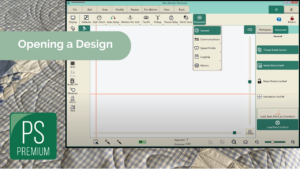
Opening a Design: Choose Your Positioning
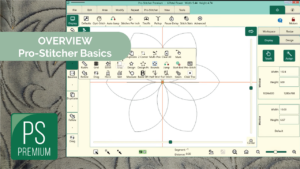
ProStitcher Overview – The Basics
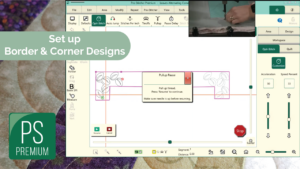
Setting Up A Border with Corners
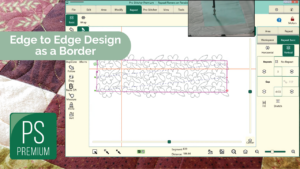
Setting Up An E2E Design Inside A Border
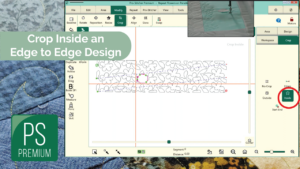
Cropping Inside An E2E Design
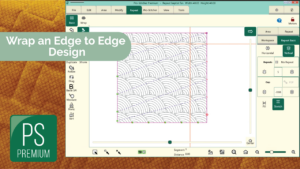
Wrapping An E2E Design
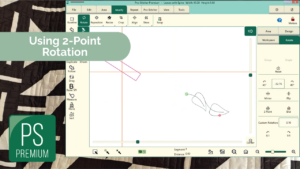
Using 2 Point Rotation
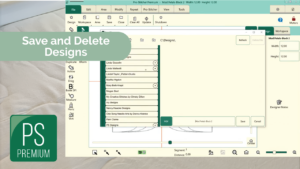
Save & Delete Designs
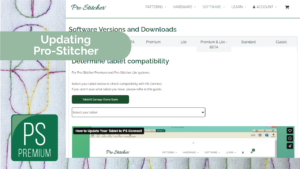
Updating Your Pro-Stitcher
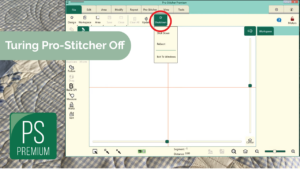
Turning ProStitcher On & Off
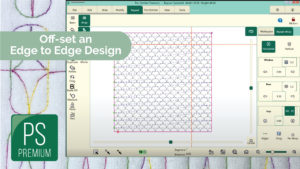
Offsetting An E2E Design
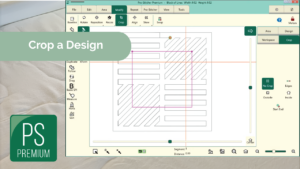
How to Crop A Design
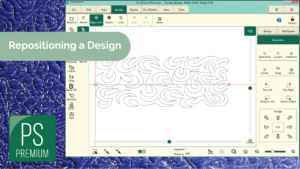
Repositioning A Design
Open A Design from A USB
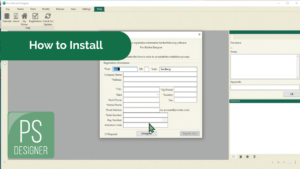
Installation (with Internet)
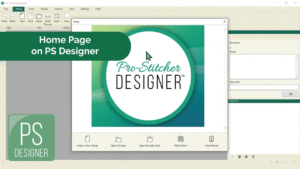
Home Page Features
Create and Save a Design
Downloadable Pro-Stitcher Tutorial
- Getting Started with Pro-Stitcher for Premium & Lite Versions (54265 downloads )
- ProStitcher Overview - The Basics (11080 downloads )
- Turning ProStitcher On & Off (7981 downloads )
- Finding Your Pro-Stitcher Version Number (25401 downloads )
- ProStitcher Premium Instructions (8958 downloads )
- Customizing the Quick Access Toolbar (56163 downloads )
- How to Use the Measure Tool (54810 downloads )
- Stitch Stats (52798 downloads )
- Send a Design to Pro-Stitcher Designer (54023 downloads )
- Snap to Grid & Quilting Space (56504 downloads )
- Baste Mode Warning (53152 downloads )
- New Start & End Features (56384 downloads )
- Repeat Tab (54178 downloads )
- How to Save and Open a Workspace (54651 downloads )
- Save & Delete Designs (8635 downloads )
- Open A Design from A USB (7879 downloads )
- Opening a Design: Choose Your Positioning (57348 downloads )
- How to Save and Open an Area (54184 downloads )
- How to Resize an Area (55456 downloads )
- Cropping The Bottom Of An E2E Design (11376 downloads )
- Repositioning Design after Shutdown (65444 downloads )
- New start point (thread break recovery) (62612 downloads )
- Using 2 Point Rotation (7458 downloads )
- Repositioning A Design (7960 downloads )
- How to Crop A Design (8503 downloads )
- Cropping Inside An E2E Design (8562 downloads )
- Skew: Skew, Border Skew & Triangle Skew (54117 downloads )
- How to Quilt a Design (70237 downloads )
- New start point (thread break recovery) (62612 downloads )
- Edge to Edge With Drag and Drop (73994 downloads )
- Cropping The Bottom Of An E2E Design (11376 downloads )
- Repositioning Design after Shutdown (65444 downloads )
- Wrapping An E2E Design (8265 downloads )
- Offsetting An E2E Design (7774 downloads )
- Repeat Tab (54178 downloads )
- Setting Up A E2E Design Inside A Border (8265 downloads )
- Setting Up A Border with Corners (8886 downloads )
Video Library Content
Getting Started with Pro-Stitcher
Using More Features in Pro-Stitcher
Save & Open Designs/Workspaces
Areas
Rotate
Reposition
Crop
Skew
Quilt a Design
Edge to Edge Basics
Borders & Corners